Programming with the Panel
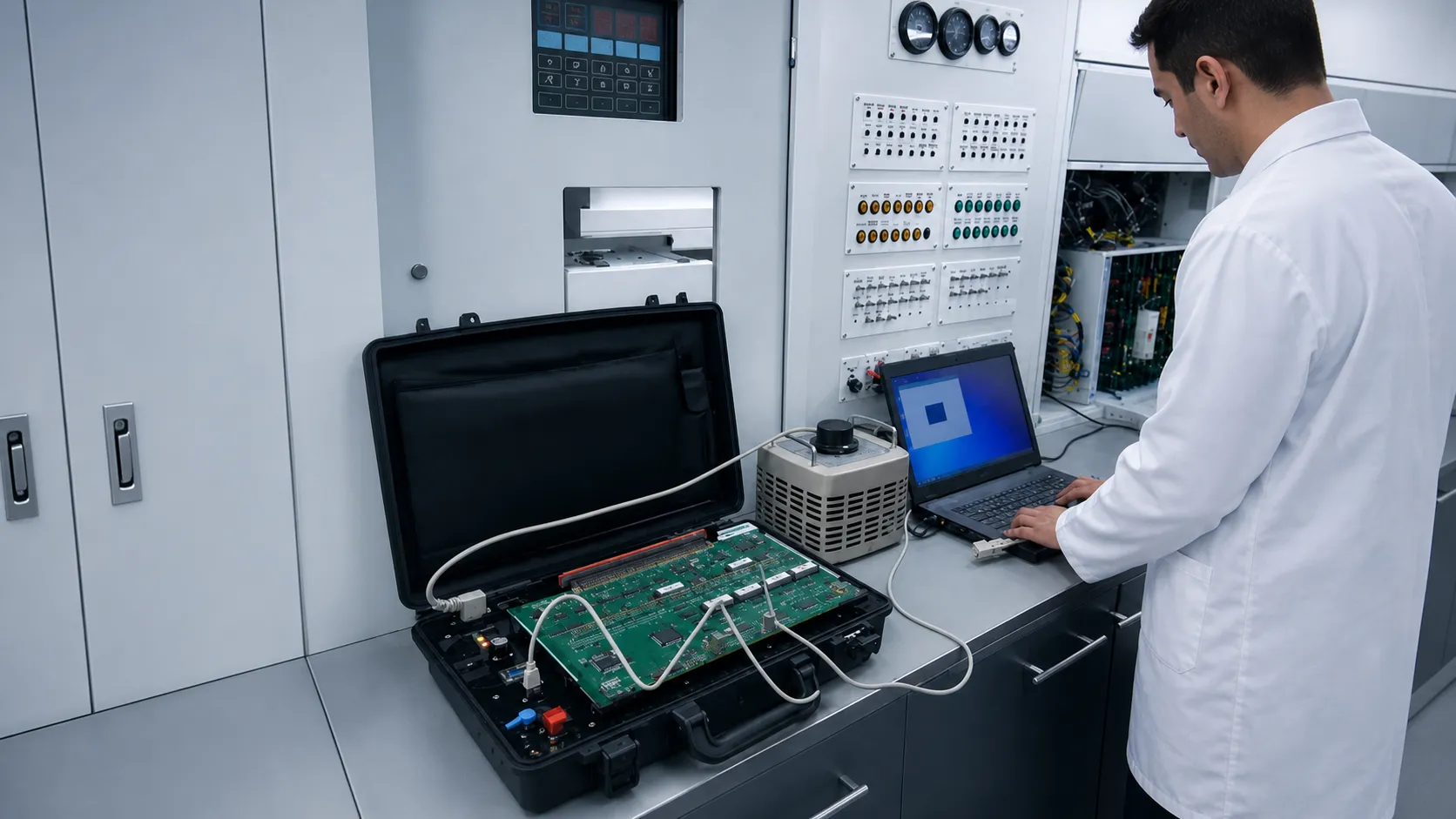
A technician testing and programming an electronic card in the laboratory using the portable Configuration Panel instead of a conventional test bench.
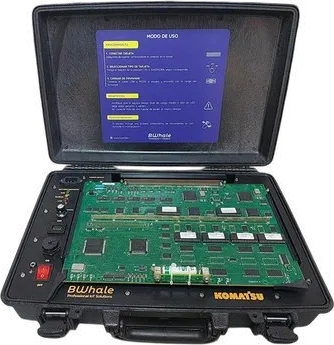
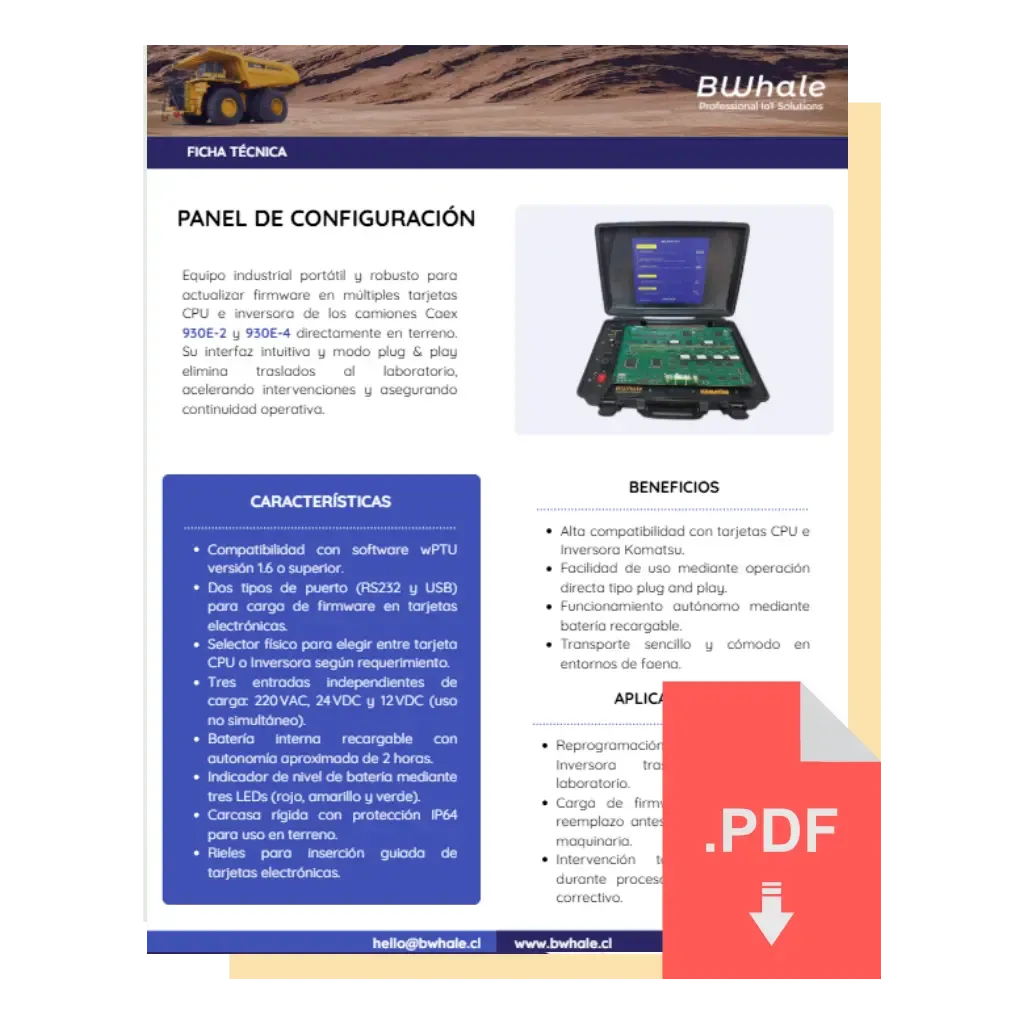
The Configuration Panel is a portable solution that lets you update firmware in situ on multiple CPU and inverter cards in CAEX 930E-2 and CAEX 930E-4 trucks, drastically reducing intervention times and eliminating the need to transfer equipment to a laboratory.
Follow this simple step-by-step tutorial to program CPU and inverter cards directly in the field. In less than 5 minutes you will see how to prepare the equipment, erase old firmware and load the new one — all without leaving the truck.
Watch the full videoTwo scenarios showing how the equipment simplifies card programming and replaces traditional laboratory infrastructure.
A technician testing and programming an electronic card in the laboratory using the portable Configuration Panel instead of a conventional test bench.
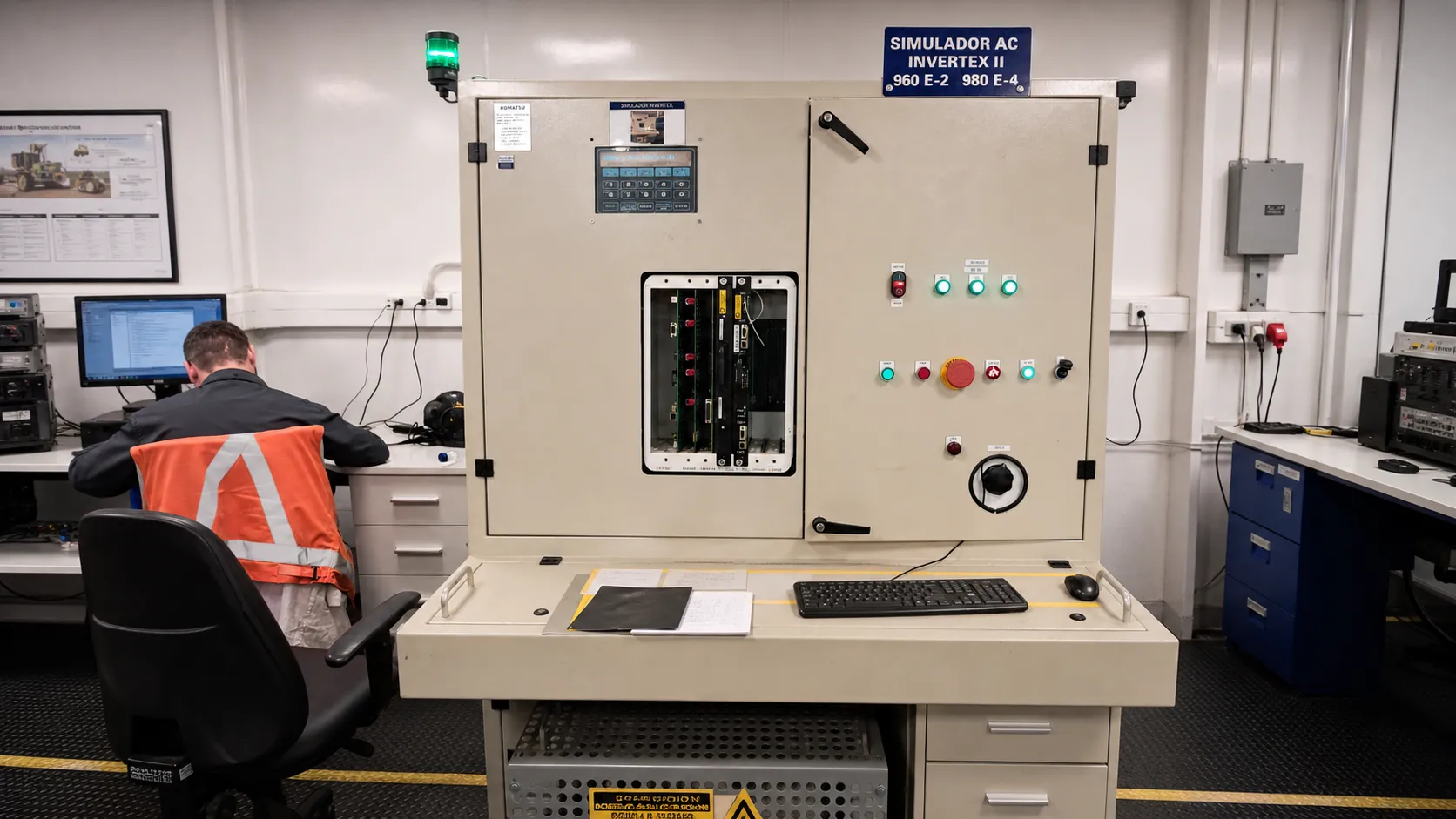
The usual programming process using a simulator, diagnostic equipment, computer and test bench: fixed infrastructure that the Configuration Panel can replace.
Everything needed to speed up field intervention.
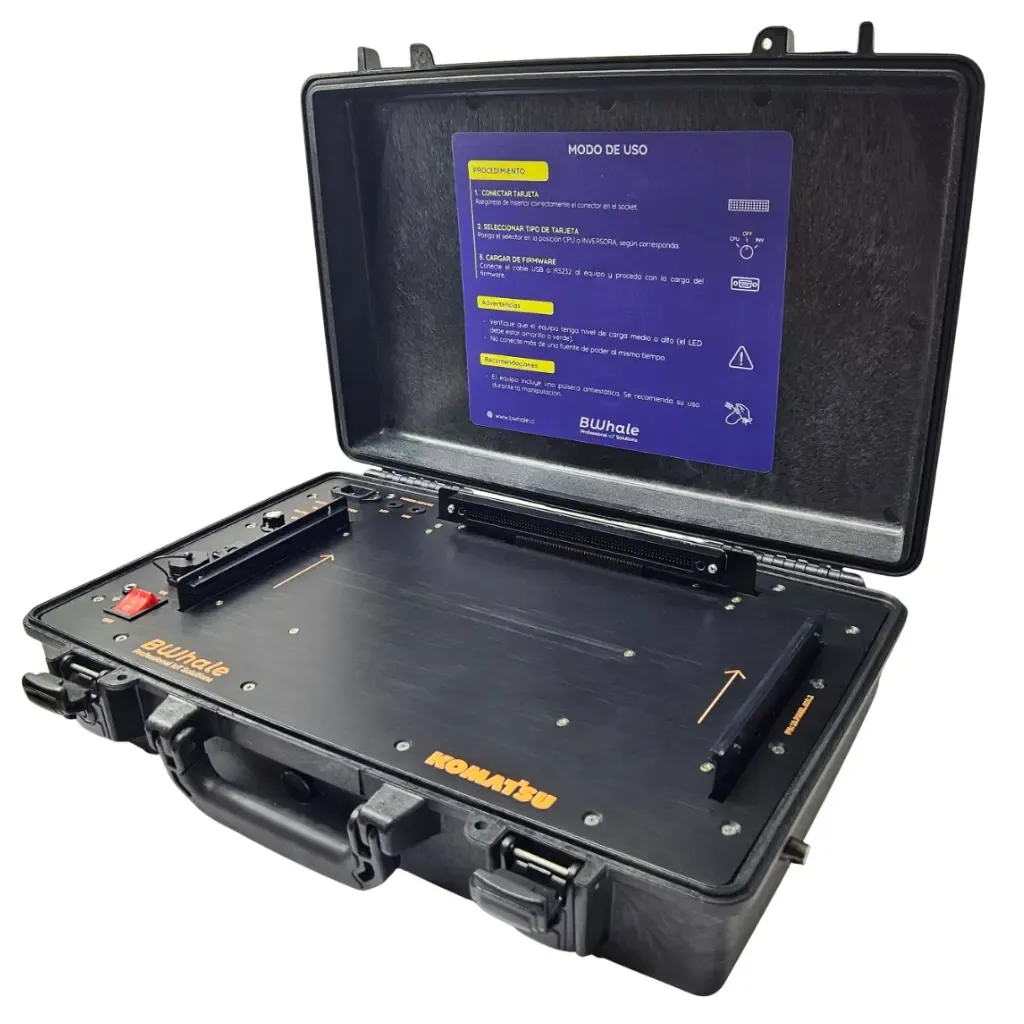
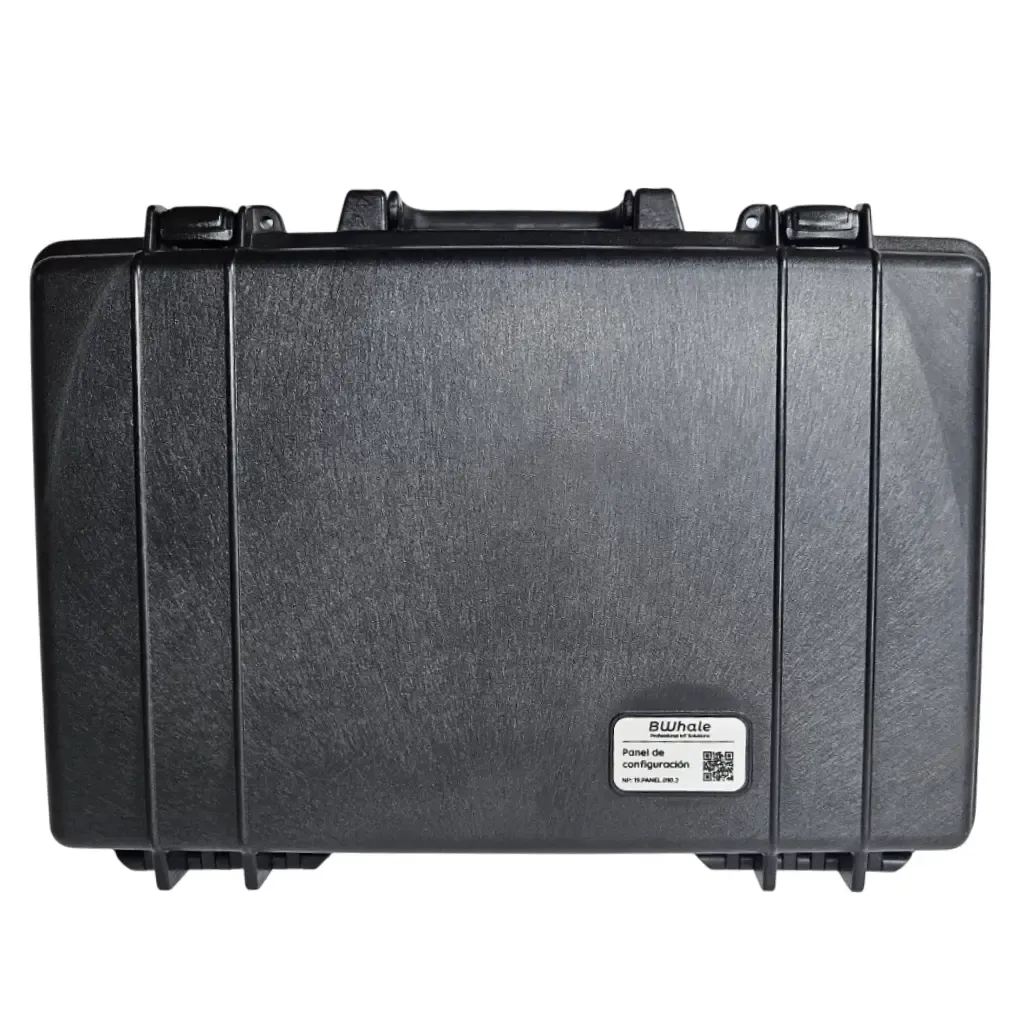
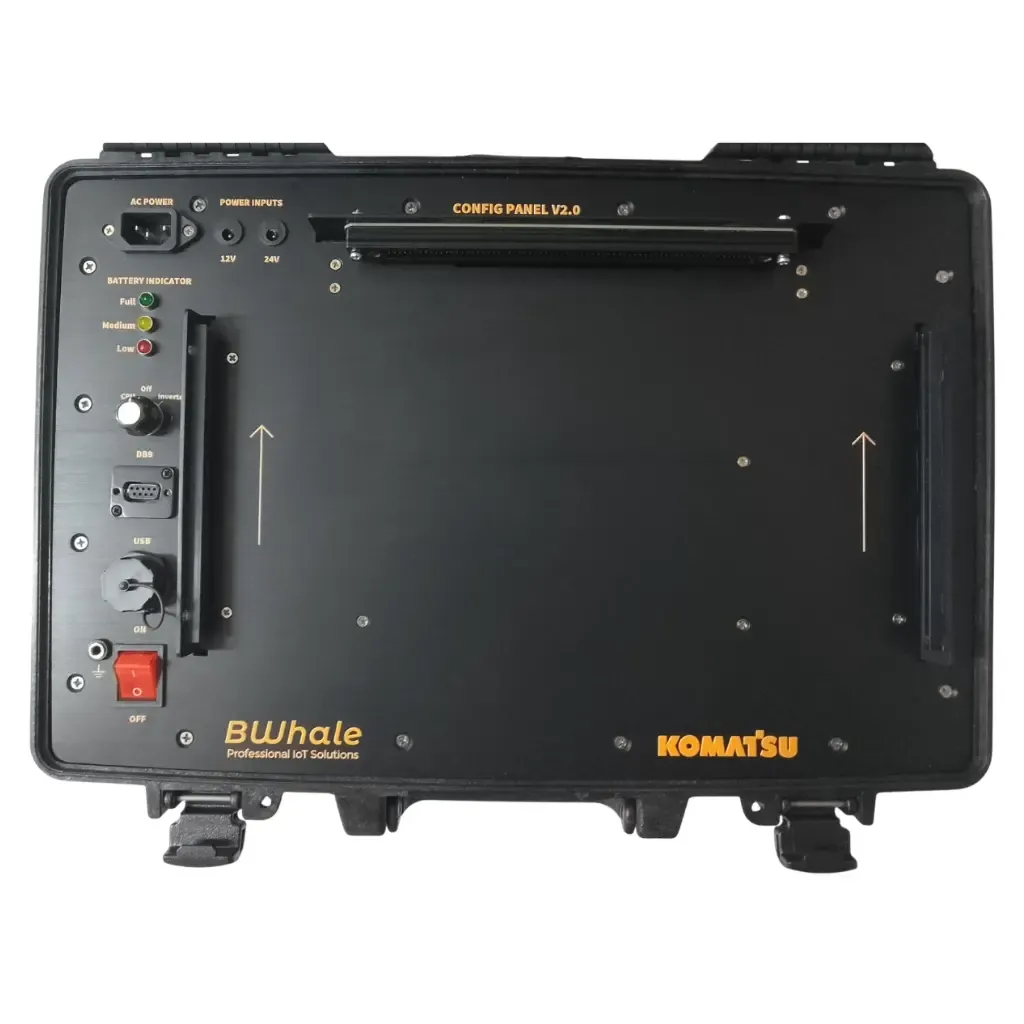
Rigid case with an anodized aluminum structure. Its portable design makes it easy to transport and use in demanding conditions.
Supports > 90% of the CPU and inverter card models used in CAEX 930E trucks and is compatible with wPTU ≥ 1.6 and Tera Term.
Rechargeable internal battery with LED indicator, RS232/USB ports, CPU / INV selector, 220 VAC | 24 VDC | 12 VDC inputs (not simultaneous) and plug-and-play rails.
These cards form part of the electronic brain and power system of mining trucks. The Panel allows them to be programmed directly in the field.
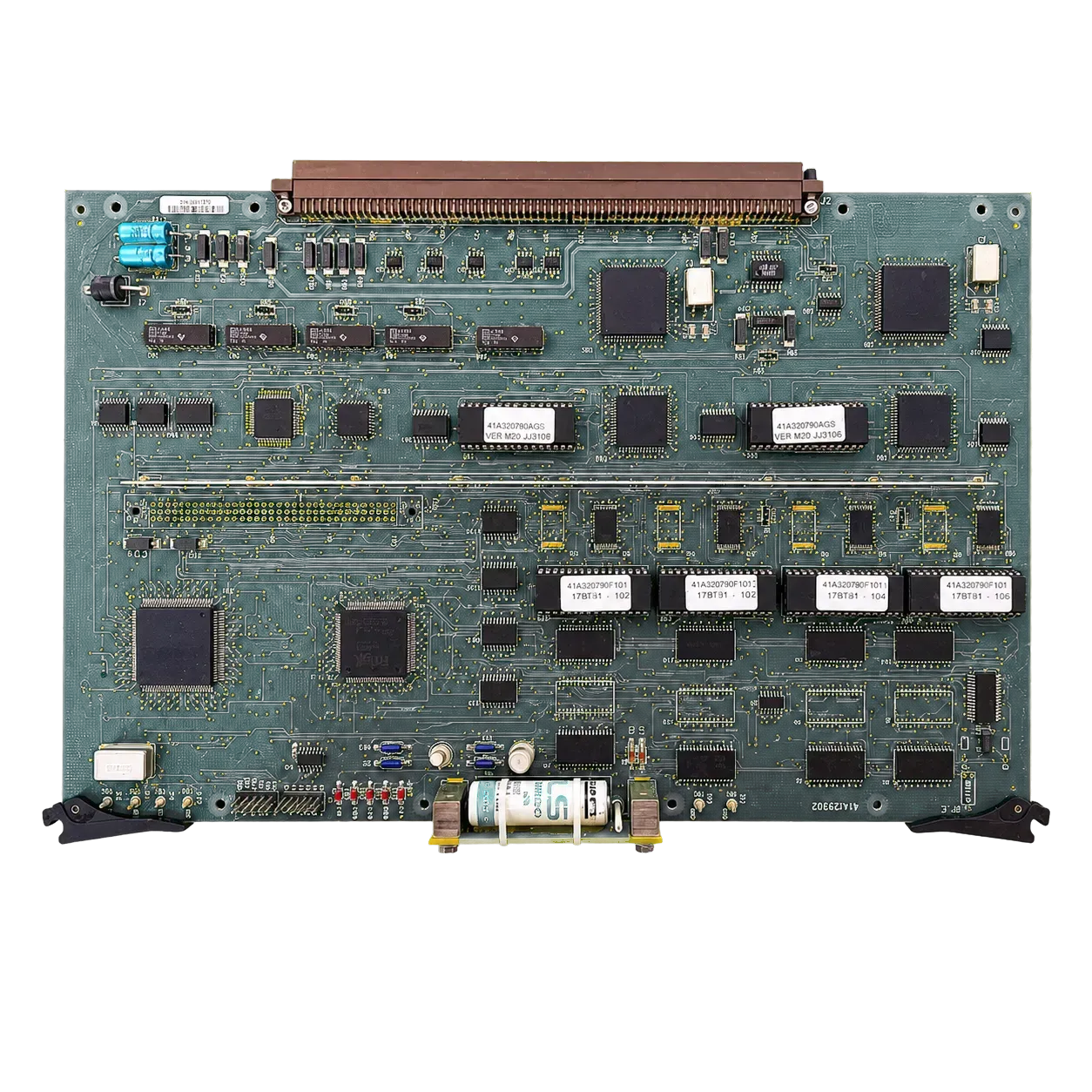
Acts as the CAEX electronic brain: it processes main-control information and coordinates the machine systems.
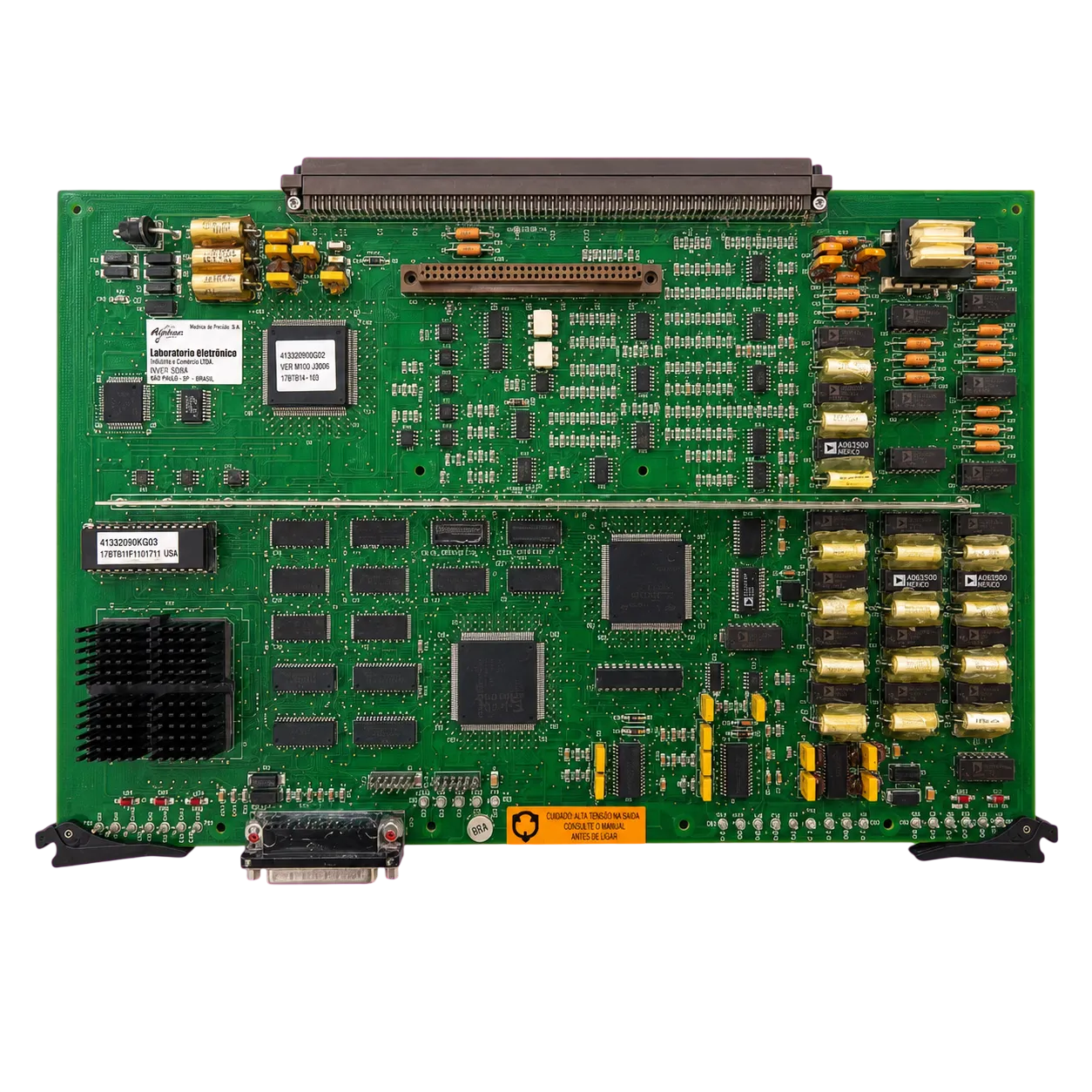
Controls the power stage feeding the electric traction motors and regulates the truck’s dynamic response.
Technical information organized for quick reference in the field.
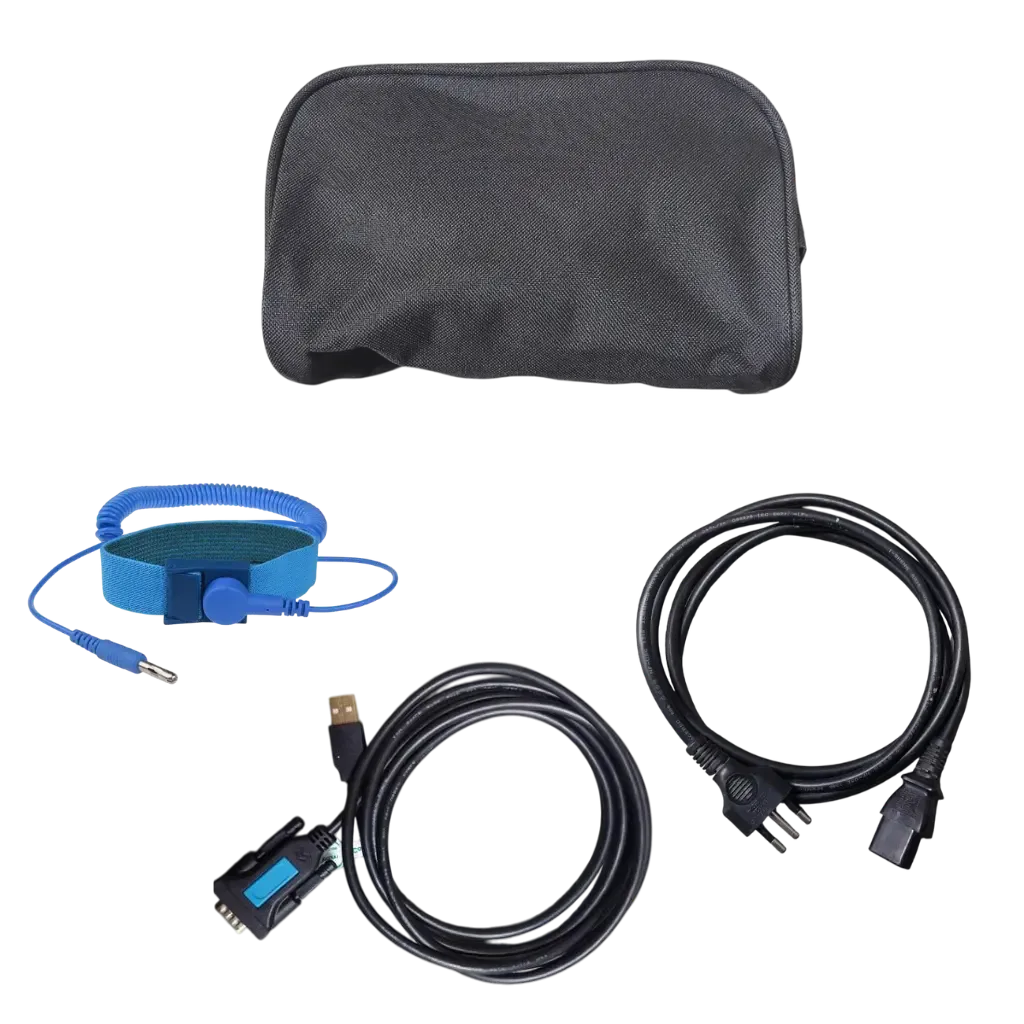
Includes a polyester fabric bag for storing cables and accessories, an RS232-to-USB adapter for PC communication, a 220 VAC power cable and an anti-static wrist strap with ground connector for safe handling.
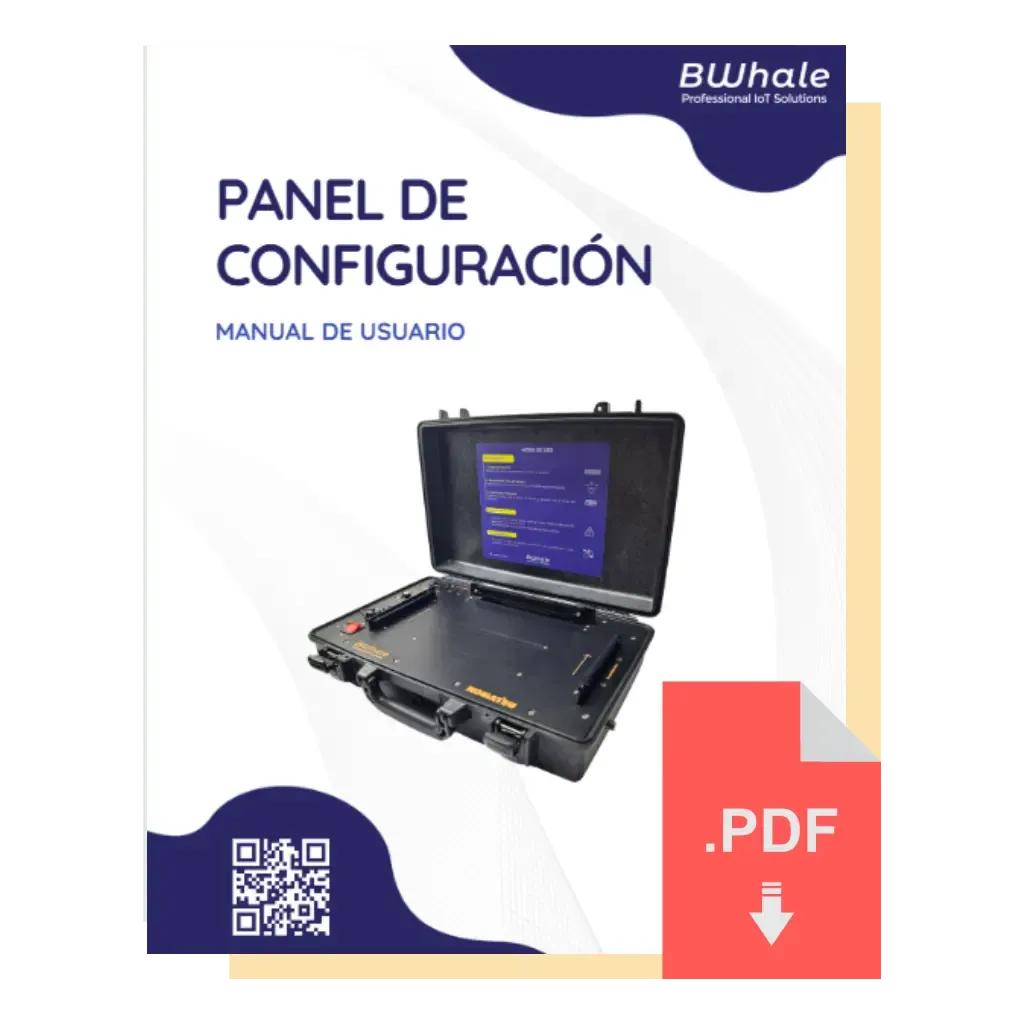
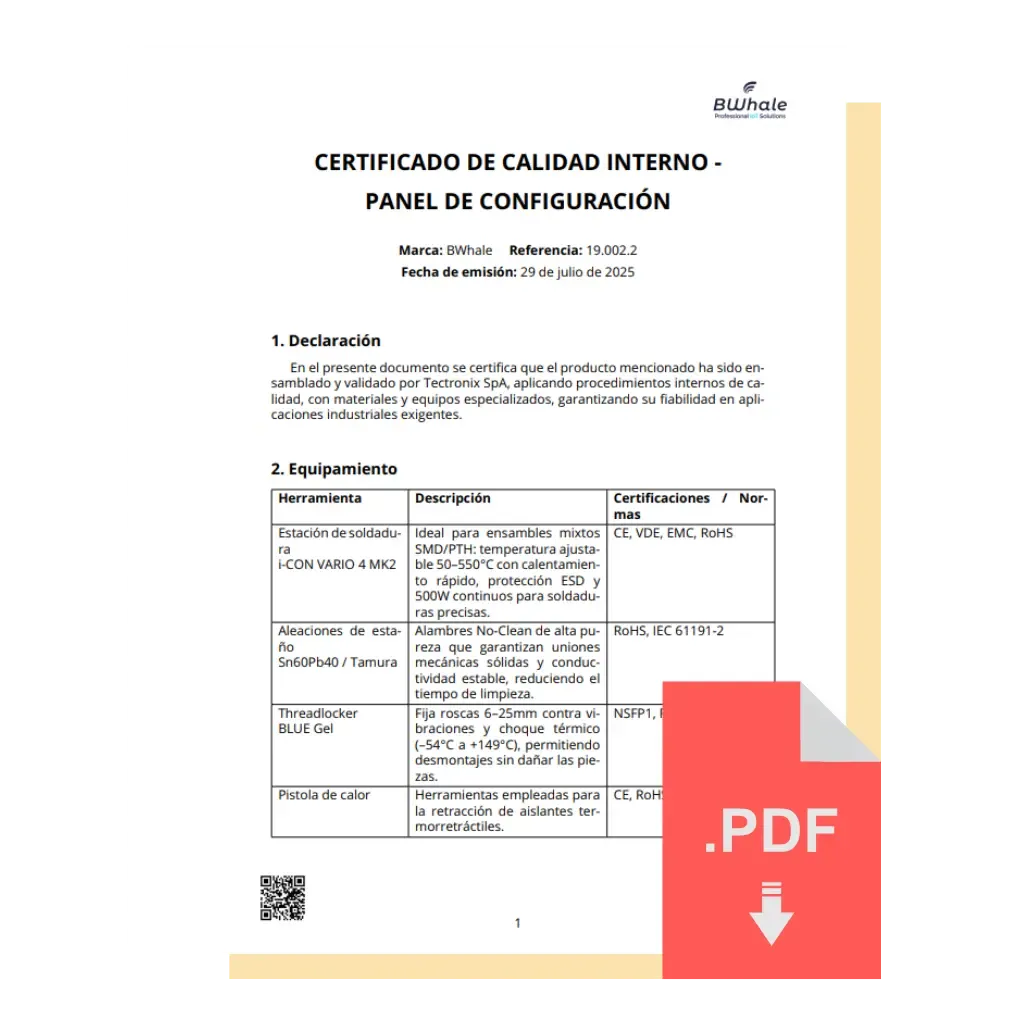
View or download the current Configuration Panel documentation.
Join the community born from field technicians’ ideas and evolved into professional products: receive invitations to field trials, product updates, advanced tutorials and exclusive promotions by email.
Contact us